Knows what your bikes need
Gregario reads from Health the rides you record with your bike computer, Apple Watch or the app you use, counts the kilometres on every component and lets you know when something's needed. Nothing to log by hand.

- Free
- No account
- No ads
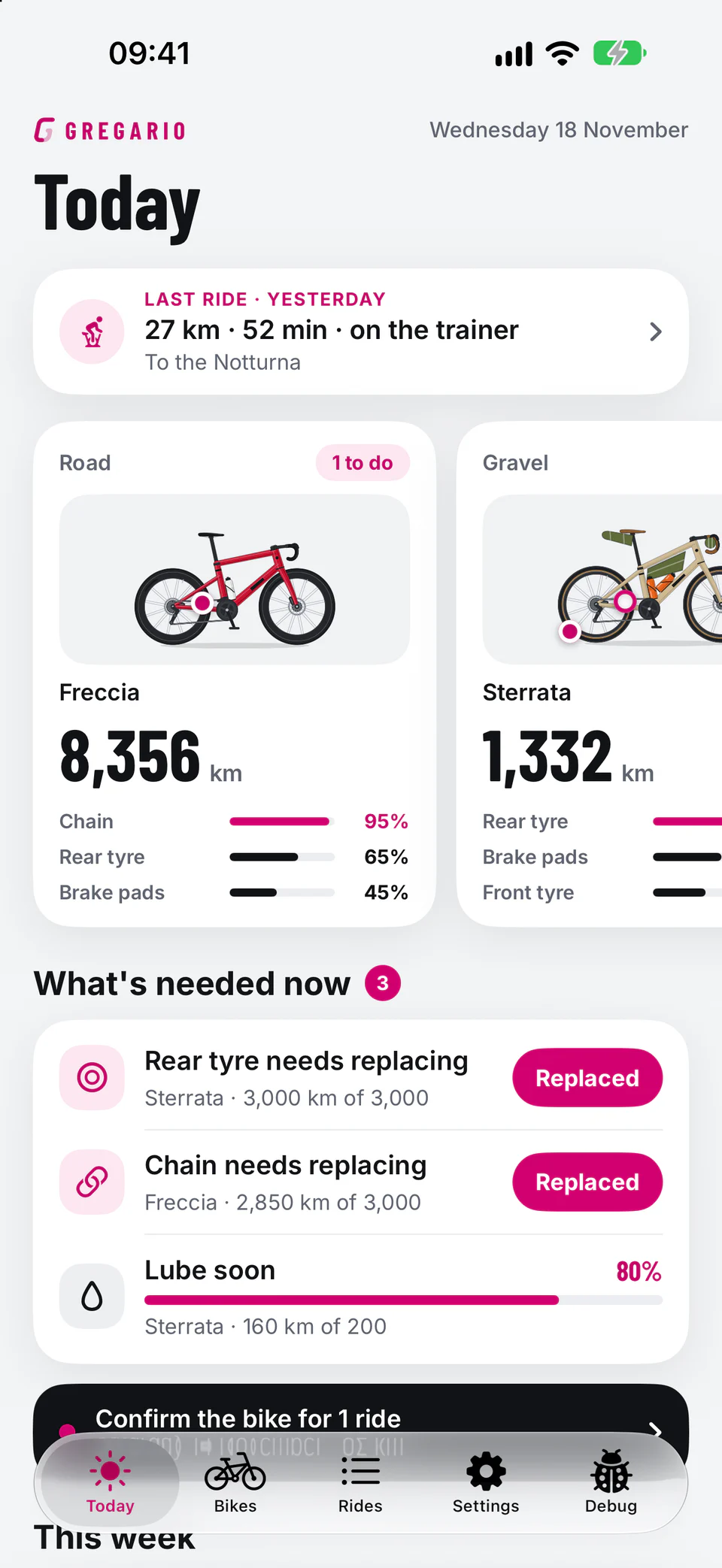
You ride. It counts the km.
Rides come from Health, just like the ones you already record. Gregario only reads them: it never writes anything to Health.
You record the ride
With your bike computer, Apple Watch or the app you already use.
The ride goes into Health
Almost every bike computer and cycling app writes it there: just turn on sharing with Health.
Gregario does the maths
Every component has its own counter. When there's something to do, you get a notification.
Every part has its own counter
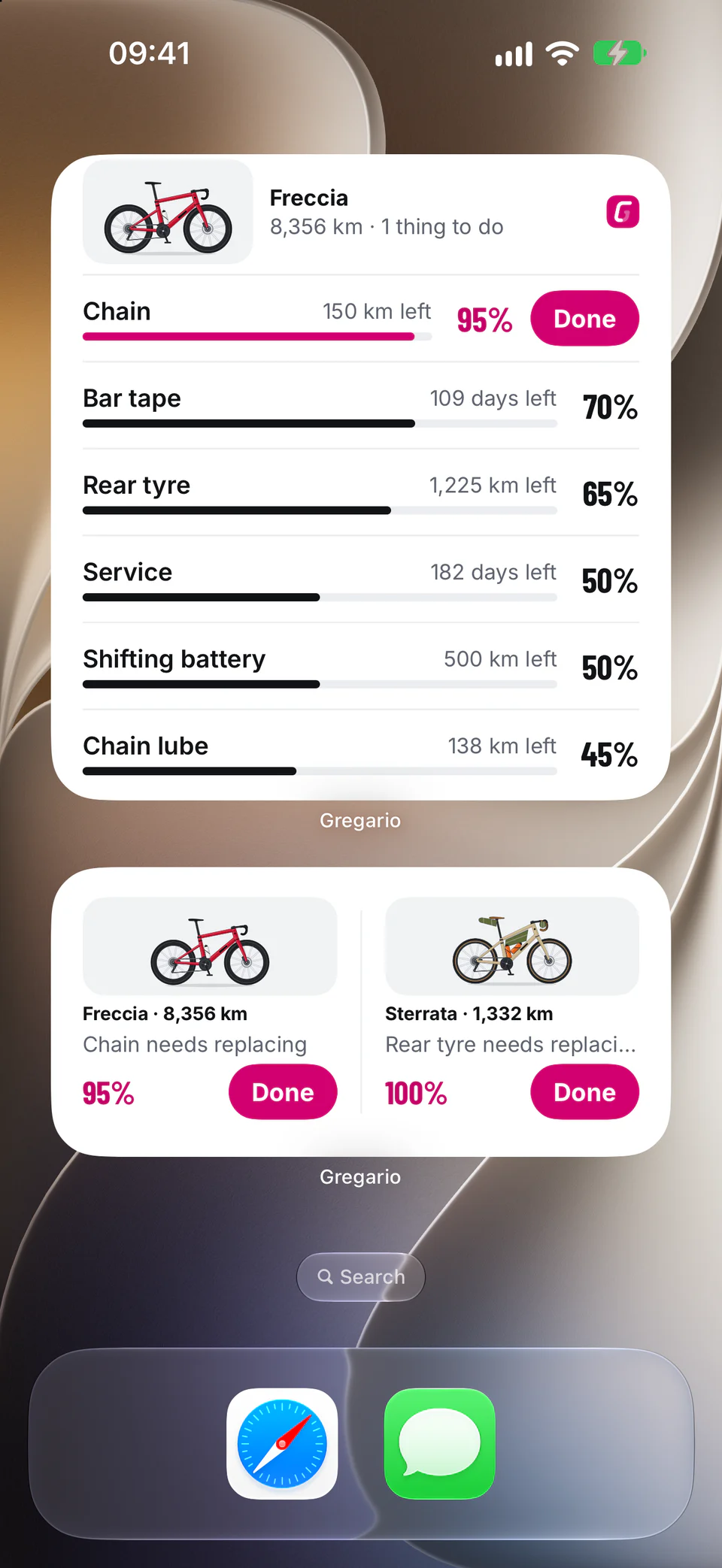
- “Lube the chain”, “Rear tyre needs replacing”, “Charge the shifting battery”: notifications only come when there's something to do, never at night.
- Mark the job done, with the day, and the count starts again.
- The history keeps the date and notes of every job.
- Chain
- Tyres
- Brake pads
- Cassette
- Chainrings
- Bar tape
- Sealant
- Service
- Shifting batteries
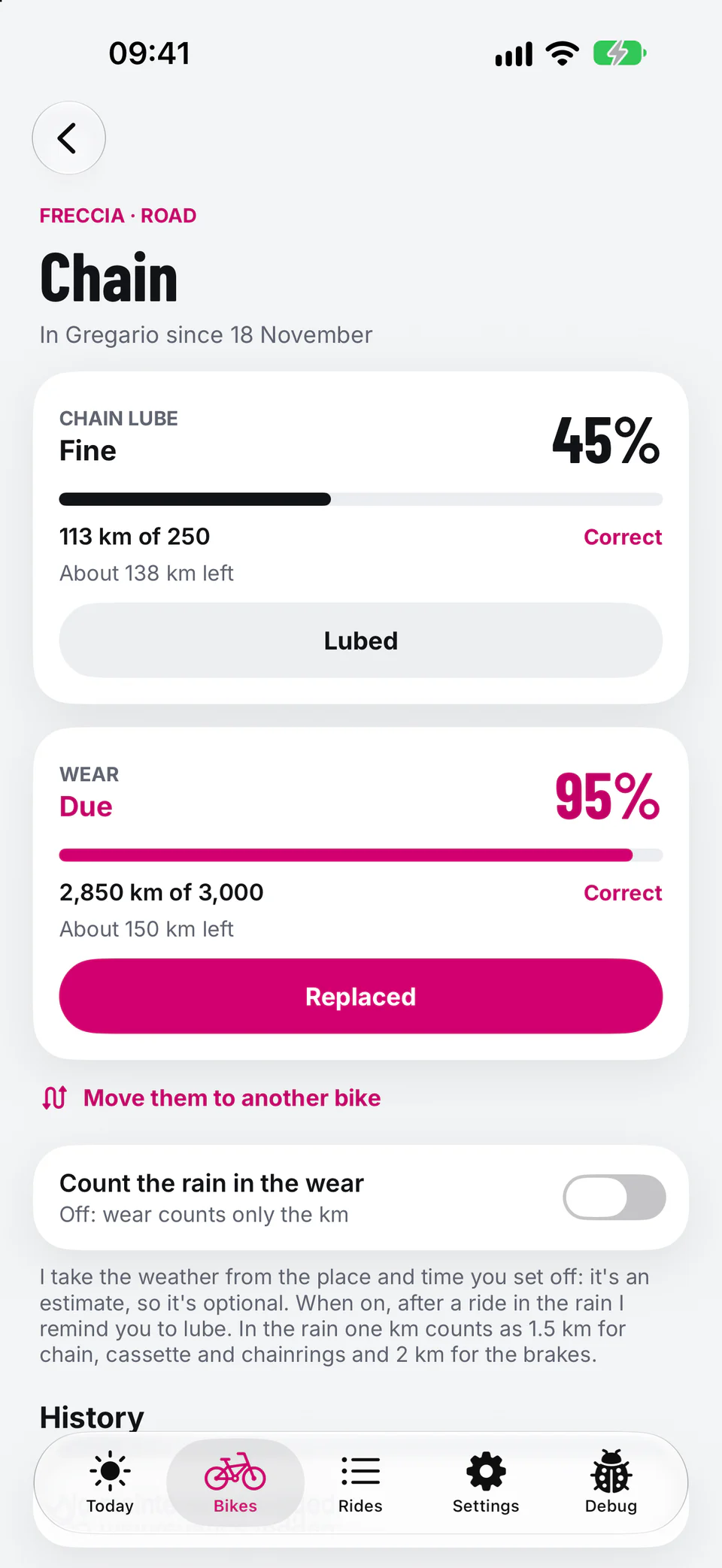
Every ride to the right bike
- Road, gravel, the trainer bike: tell Gregario once where you use each one and rides go to the right bike.
- After an outdoor ride, if you have more than one bike, Gregario asks whether it was the right one. Press and hold the notification to change it.
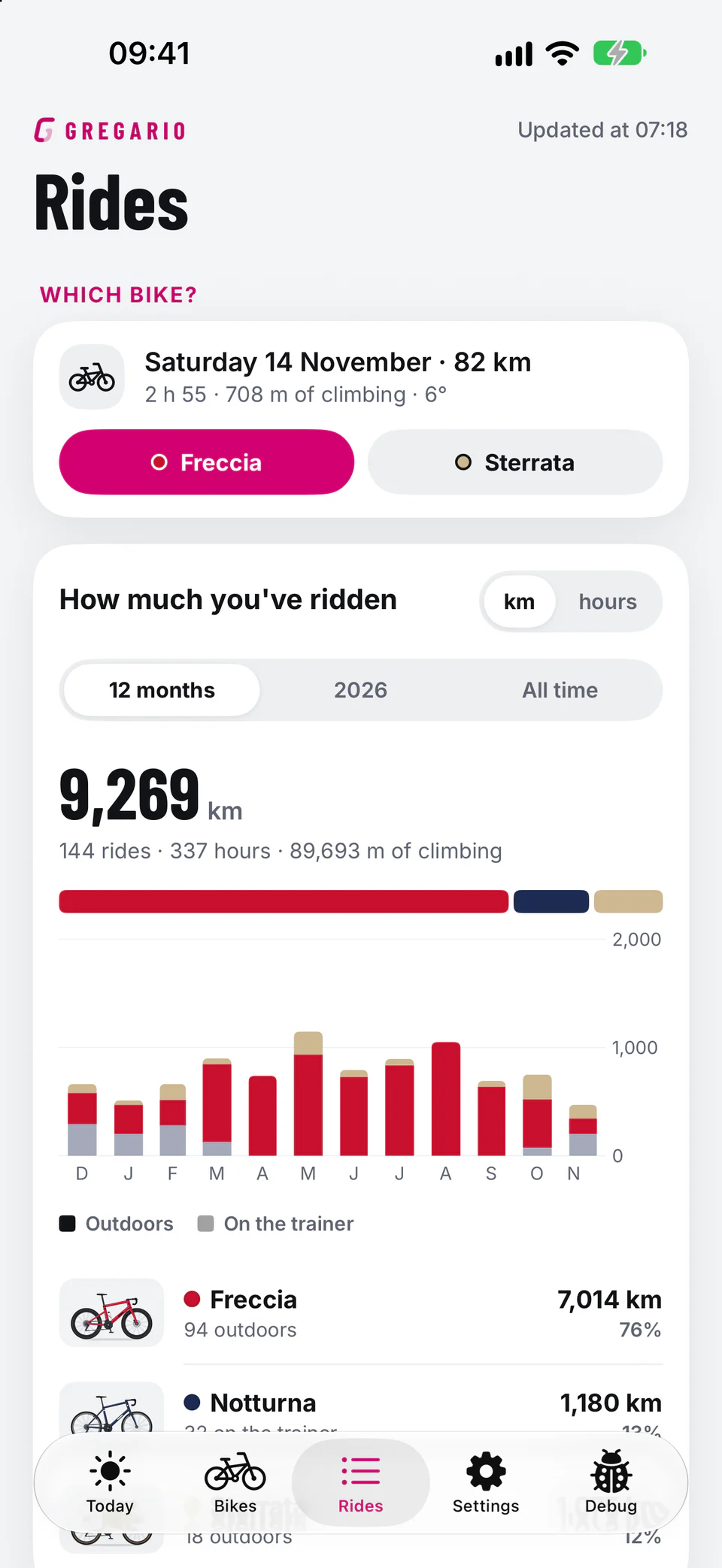
Rain counts
From the starting place and time of the ride Gregario estimates the weather. After a wet ride it reminds you to lube.
If you like, chain, drivetrain and brakes wear faster in the rain, just like in real life.
On the trainer
On the trainer only the parts that actually work wear: no front tyre, no brakes.
Tell Gregario once which bike is on the trainer, and indoor rides go to it.
Recognise it at a glance
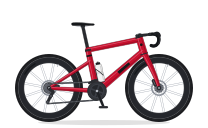
Frame, wheels, handlebar, colours, finishes, bottles and bags: draw it as it is. A dot on the drawing shows you straight away the part that needs attention. Tap the dots on the Freccia to see the other parts.
 Chain %
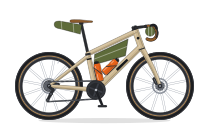 Rear tyre %
One tap on Done, and off you go
Small, medium and large widgets: what the bike needs, or how soon the next job is coming. Without opening the app.
Pick your jersey
Pink, Yellow, Red, Green and Polka dot, light or dark: they're the app's colours. Try them here, the site changes too.
No account. No servers.
No account
Open the app and go: no email, no password.
On your iPhone
Bikes and jobs stay yours. From Health it reads only bike rides, and writes nothing.
In your iCloud, if you like
To find them again on another iPhone. Health data never goes to iCloud.
No tracking
No ads, no analytics, no profiles.
Maintenance, made simple
How often should you replace your chain?
Chain stretch, how to measure it and why waiting costs you.
ReadHow long road and gravel tyres last
When a tyre is worn out, what the T.W.I. mark tells you and why mileage is only a rough guide.
ReadLubing your chain after rain
What water does to your drivetrain and when to lube again.
ReadFree. No account.
No ads.
And no in-app purchases. Your domestique, always by your side.
Requires an iPhone with iOS 26 or later. Your rides need to be in Health.